
Check Your Images Before You Pay
A bad file can stop a training run before it starts. Check the image count, file types, sizes, ZIP contents, and usage rights first.
Upload 4–30 images, choose what you want to train, and turn your dataset into a LoRA you can test and download.
No local GPU · Keep your LoRA weights · Train and create in one place
No drivers. No scripts. Add your images, train a custom LoRA, and use it to make a new image without leaving the page.
We save your dataset to your storage, then send it to the model service that runs the job. Upload only files you own or can use.
Pick the Right LoRA Model for What You Want to Make
A finished job does not always mean a good LoRA. Check your files first, try the model with new prompts, and download the weights when you are happy.
A bad file can stop a training run before it starts. Check the image count, file types, sizes, ZIP contents, and usage rights first.
One good result does not tell the whole story. Try a few prompts, image sizes, and strength settings to see how your LoRA behaves.
Your model should not be stuck on one page. Download the weights and use them in other tools that support the same base model.
You do not need to set up a GPU or write a script. Add your images, check the price, and test the finished model in one place.
Add JPG, PNG, or WebP files, or upload a ZIP. We check the number of images, file types, sizes, ZIP contents, and usage rights.
Pick the training type, trigger word, steps, and mask setting. You will see the credit cost before you start the job.
Try your LoRA with a new prompt and change its strength if needed. Keep creating here or download the weights for another tool.
Prompts alone often change the details you care about. Train a reusable LoRA when the same product, character, or style needs to show up again.
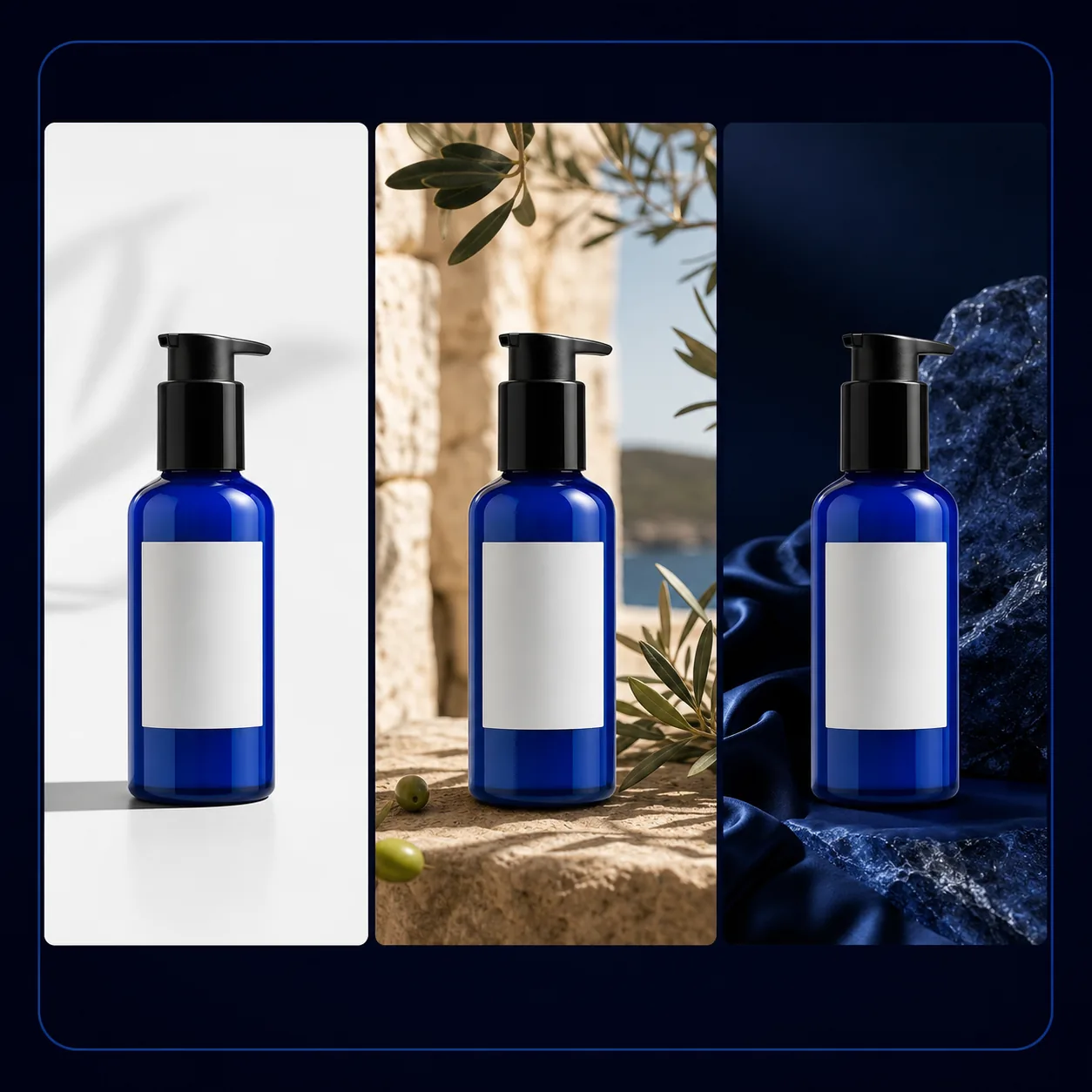
You should not need a new photo shoot for every scene. Train a product LoRA from several views, then check its shape, color, and packaging in fresh images.
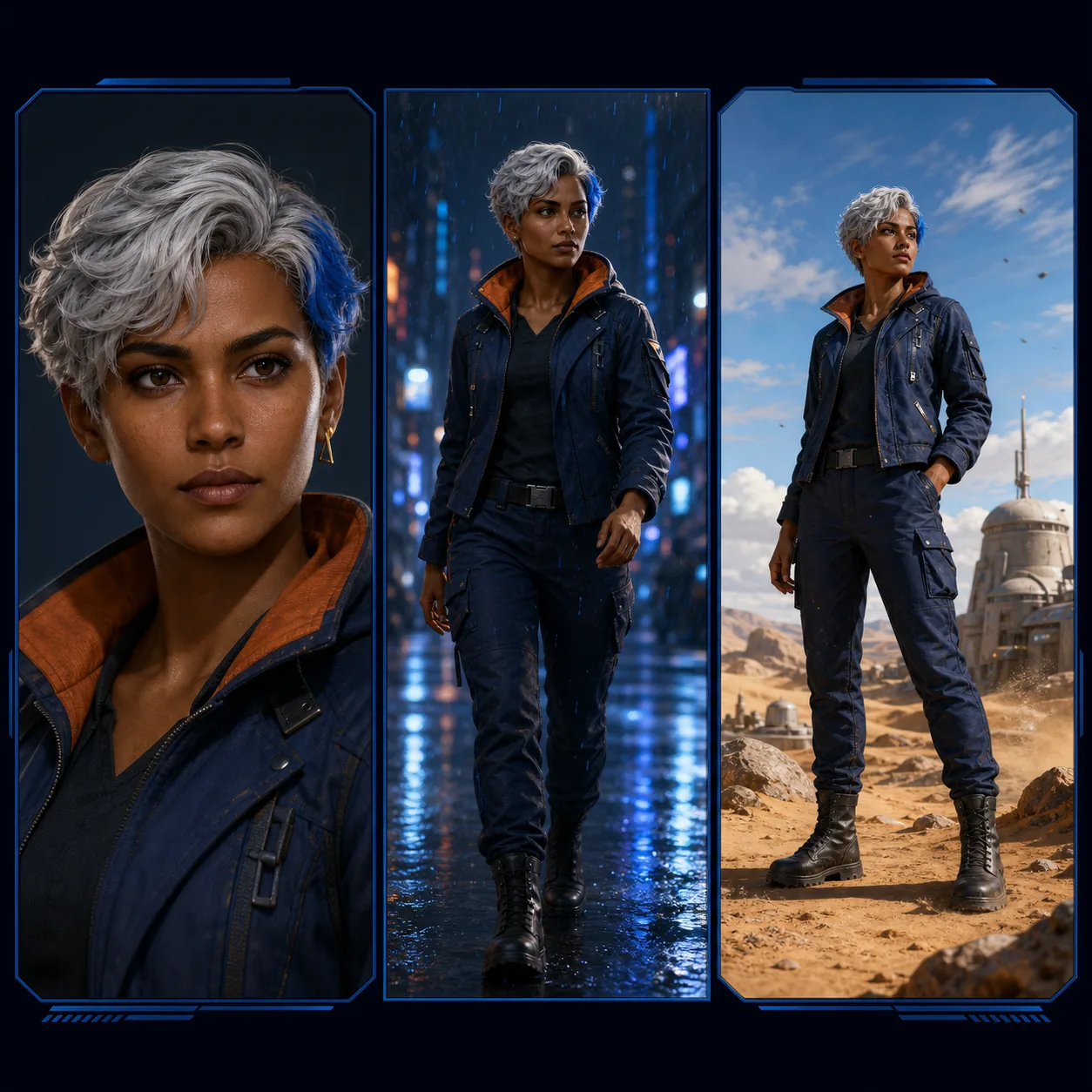
Characters often change from one prompt to the next. Train with images you can legally use, then tune the LoRA strength for each new scene.

A prompt may not hold the same look across a full project. Train the style once, then call it with a unique trigger word in new images.
You should know what a run will cost, what happened if it failed, and where your model is. TrainMyLoRA keeps those answers in one place.
The wrong file type or a tiny image can waste a run. We check the basics before we reserve your credits and send the job.
You should not have to guess what a run will cost. Check the credit estimate before you train or create an image.
A system error should not use the credits held for your job. We return them when the failed job meets the refund rules.
Your LoRA should still be useful outside TrainMyLoRA. Download the weights and use them with tools that support the same base model.
You do not need to move your model to another site just to try it. Pick a ready LoRA and create from the same workspace.
Stop hunting through tabs for a job or image. Your training jobs, LoRAs, and results all live in one dashboard.
You do not need hundreds of images. Start with 4–30 clear files that show what you want the model to learn.
4–30
100 MB
256 × 256
See how a reusable LoRA can help product teams, character creators, and studios keep important details consistent.
Product workflow
Show the same product in new scenes and keep its shape, color, and key details.
Character workflow
Use the same original character in new poses and places without writing every detail again.
Studio workflow
Give a client the model, trigger word, and setup instead of just one finished image.
Get clear answers about images, cost, timing, downloads, privacy, failed jobs, and where you can use your LoRA.
LoRA training teaches a base AI model a new subject or style. It saves the changes as a small weights file, so you do not need a full copy of the model.
LoRA Training Online runs the job in the cloud, so you do not need your own GPU. Upload your images, choose the settings, and follow the job from your TrainMyLoRA workspace.
You can train with 4–30 images. Pick clear files that show the subject or style you want your LoRA to learn.
Upload JPG, PNG, or WebP images, or use a prepared ZIP. Each image can be up to 20 MB. The full dataset can be up to 100 MB, and each image must be at least 256 × 256.
The cost depends on your settings and the number of training steps. You will see the credit estimate before you start the job.
Run time depends on your settings and the current queue. You do not need to keep the page open. Follow the job from your dashboard.
A trigger word tells the model when to use your trained subject or style. Pick a short, unique word that is unlikely to have another meaning.
Yes. When training is done, open My LoRAs in your dashboard and download the model weights.
Yes, if the ComfyUI workflow supports the same base model. Use the right LoRA loader and pair the weights with the model they were trained for.
Yes. Pick a ready LoRA, write a prompt, choose the image size, and set the strength. Then start the image job from the same workspace.
Your dashboard shows why the job failed and whether you can try it again. If an eligible system error caused the failure, we return the reserved credits.
It depends on how far the job has gone. If the model service can no longer stop it, TrainMyLoRA tells you that canceling is not available.
Your jobs and LoRAs stay in your signed-in workspace and do not appear in a public gallery. Your files still pass through the storage and model services needed to run the job.
You can delete supported jobs, LoRAs, and images from the dashboard. Some services and backups may keep data for the time listed in their privacy policies.
It depends on your training files, the base model license, service terms, and local law. TrainMyLoRA cannot give you rights to work you do not own.
Still have questions? Email support@trainmylora.io.
Train a model, try it with a new prompt, download the weights, or find past jobs and images in your dashboard.
Add a small set of clear images and check the credit cost. When your LoRA is ready, try it here or download the weights.
4–30 images · Up to 100 MB · No local GPU needed